
Travel ledgers start slipping within days. It is not a discipline problem: turning a pho paid in dong and a ramen paid in yen into your home currency piles up like homework every night. Hand the conversion and sorting to AI, and what is left for the traveller is shooting the receipt, and fixing the occasional miss.
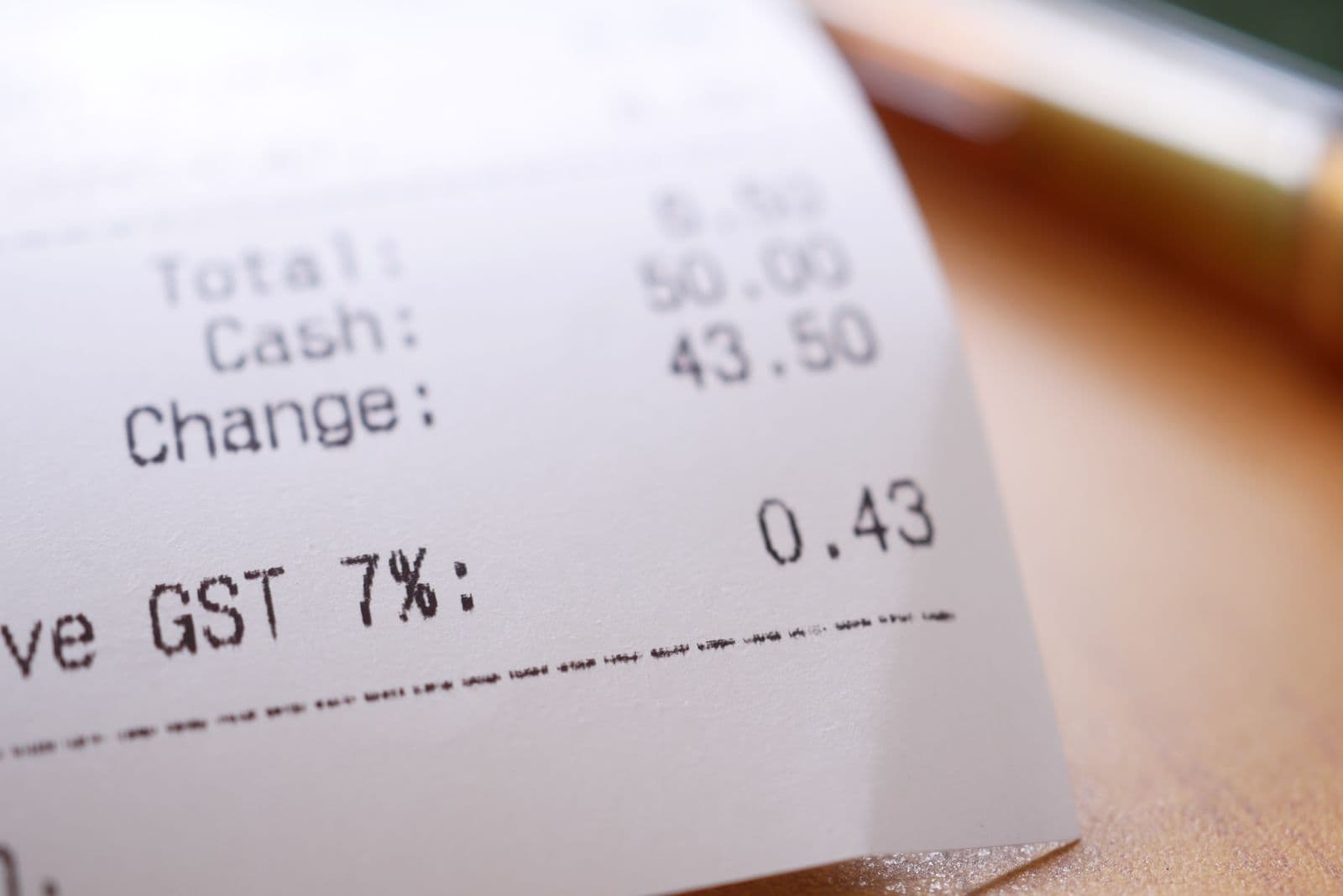
Why travel ledgers collapse
Anyone who has tried a notebook or a generic budgeting app on a trip knows. The problem has three layers.
- Conversion: what is 45,000 dong again, calculator out every time
- Sorting: is this food or transport, even picking the category is work
- Omission: the more you spend, the more entries slip through
All three are things people do badly and machines do well, which is why Tripop handles them in one pass from a single receipt photo.
What one receipt yields
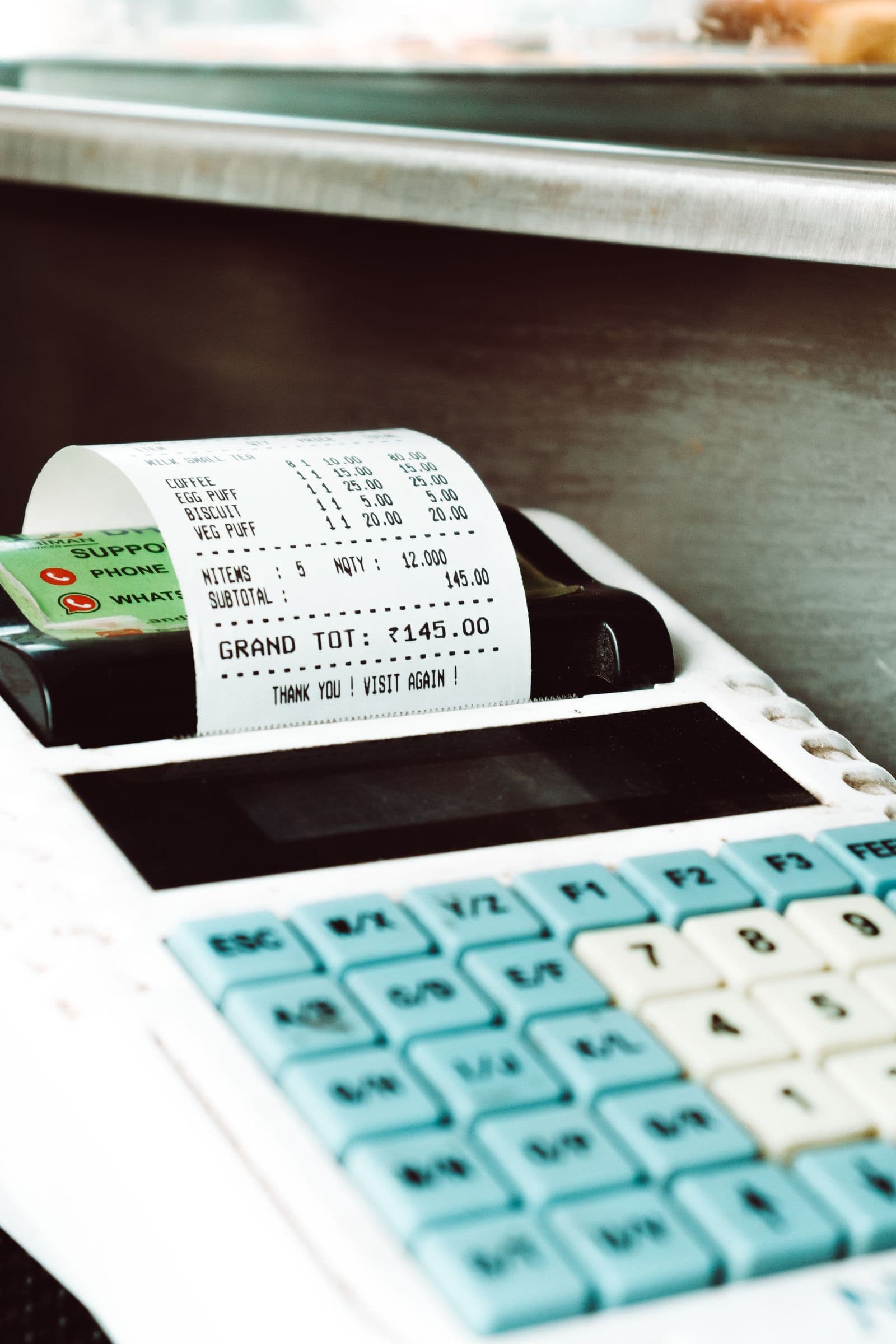
| Field | How it fills in |
|---|---|
| Shop name | The merchant at the top becomes the title; failing that, the main item |
| Total | Taken from the grand total, service charge and tax included |
| Currency | Detected from symbols ($, €, ¥, ₫) or codes |
| Conversion | Foreign amounts get a converted figure (rate fetched at processing time; an approximation if the lookup fails) |
| Category | Auto-sorted into seven: food, lodging, flights, transport, activities, shopping, other |
| Date | Read off the receipt, today if unclear |
| Line items | Each dish keeps its quantity and subtotal |
The last row is the point. One receipt becomes one expense, but the dishes inside survive as line items. Not a flat "dinner 78,000" but what was ordered, how many, and what made up the bill. Each analysis uses a small amount of Tripop's AI points; your balance shows in settings.
How to: three steps
- Hit + in the ledger tab and choose Add with AI
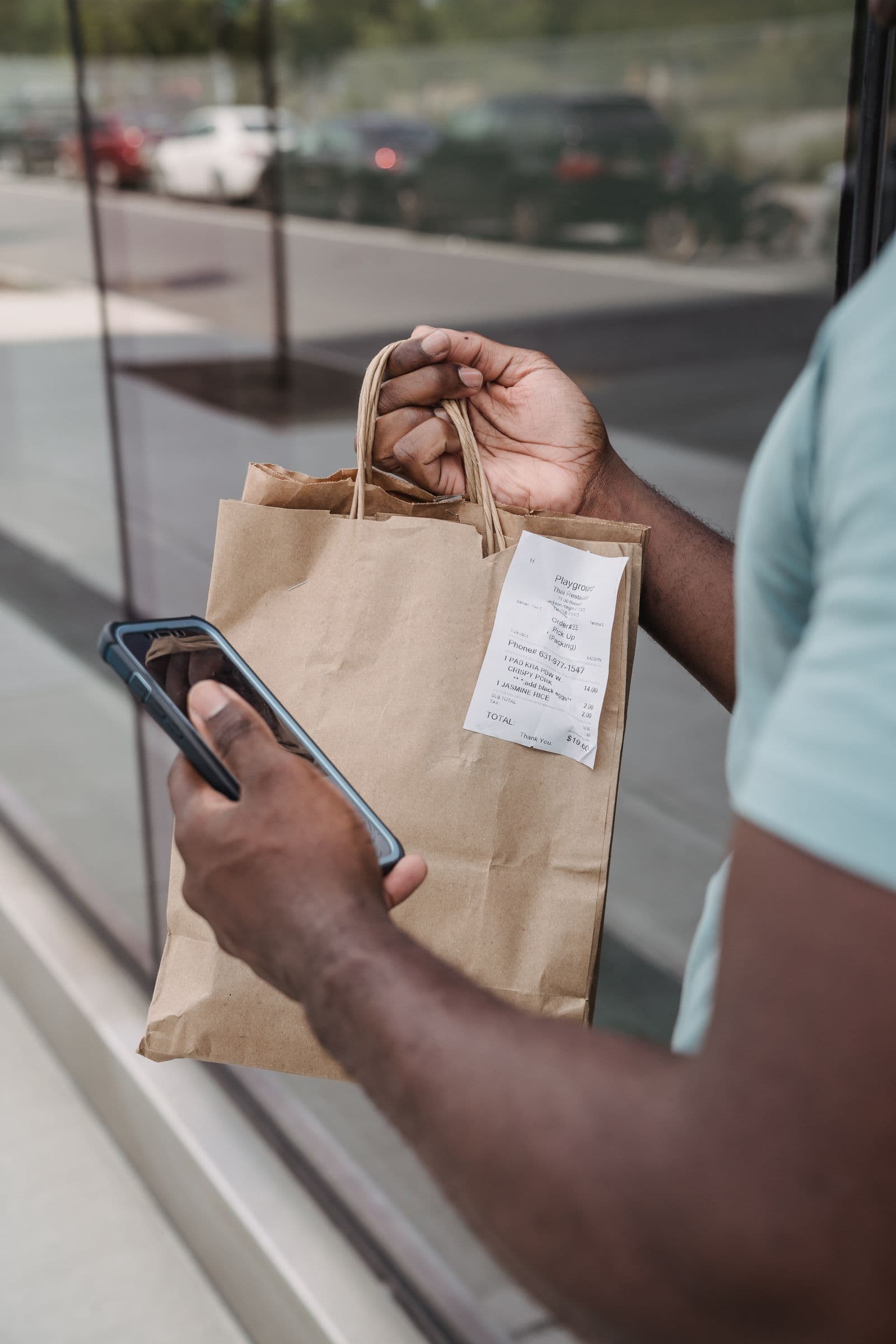
- Shoot the receipt or pick it from the album; payment texts and card notifications work as screenshots
- When the analysis finishes, it lands straight in the ledger; open the entry and fix only what is wrong
Do not skip the third step. Handwritten receipts and faint print can misread amounts, and the converted figure can drift from your card statement. AI files first, you polish after is the accurate mental model.
No receipt? One line of text
Night-market skewers, a street banh mi, a cash tuk-tuk. Trips are full of spending that never produces paper. Type it instead.
coffee 4,500, taxi 12,000
That line lands as two separate expenses (it is AI interpretation, so on the rare miss-grouping, fix it in the entry). Purchases from one shop, though,
convenience store: water 1,200, onigiri 1,500
stay one expense with two line items. Writing "taxi 25 euros" in plain words is understood as euros, conversion included.
The fine print on foreign currency
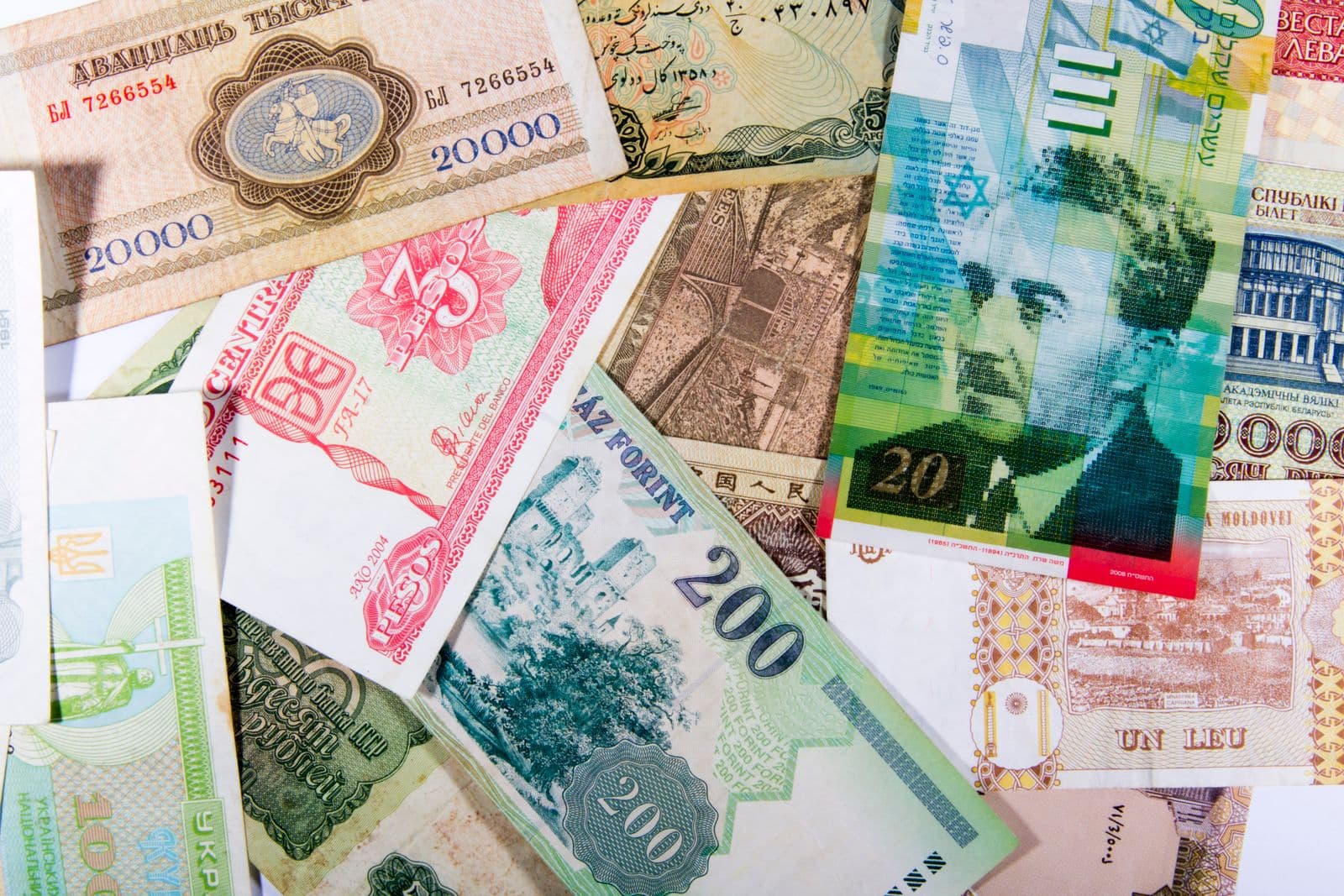
- Currency detection: judged from the symbols ($, €, ¥, ₫) and codes beside the amounts. Where several countries share a symbol, glance over the result once
- Original amounts kept: the local-currency figure is stored alongside the conversion, so "that pho was 60,000 dong" stays checkable
- What the conversion is: computed with the exchange rate fetched at processing time, an approximation only when the lookup fails. It can drift from your card statement's settled rate, so correct entries that matter for settling up
- Mixed-currency trips: Tokyo then Ho Chi Minh City still rolls up to one total in your display currency
Tips for better reads
- Get the total in frame. Unfold the receipt; the Total line has to make it in
- Avoid shadows and glare. An angle beats standing right under the light
- Long receipts need top and bottom in one shot: the shop name up top, the total at the bottom
- If you batch in the evening, keep to same-day entry. Once dates start mixing, reconstruction gets tedious
What the pile of records buys you

Once the ledger fills, the app does the working. Category totals show where the money went, and if the trip is shared, everyone reads the same expense list, which shortens the settling-up conversation. Answering "what did food cost us in Osaka last time" from records rather than memory is the final payoff.
Especially for
- People who start a travel ledger every trip and never finish one
- Trips mixing two or more currencies (stopovers, multi-country runs)
- Groups who want spending in one shared list
- Anyone facing an expense report after a business trip
In short
The enemy of the travel ledger was never willpower; it was conversion and sorting. Shoot a receipt and the AI files the shop, total, currency, conversion, category and line items; you open the entry and fix the misses. No receipt means one line of text or a payment screenshot. Try it for a single day of your next trip and you will know whether it sticks.
For building an itinerary automatically from a flight PDF, see Turn a flight PDF into a full itinerary.
Images: Pexels (Towfiqu barbhuiya: receipt close-up, GOWTHAM AGM: till, Mike Jones: shopping bag and phone, Valentin Ivantsov: banknotes, Kaboompics: handwritten ledger), Pexels License.