
01
Shared expenses, clear individual totals
Choose who joins each expense and split it equally or enter individual amounts. Review by day or person, then export one long image or share the details as text.
See how it works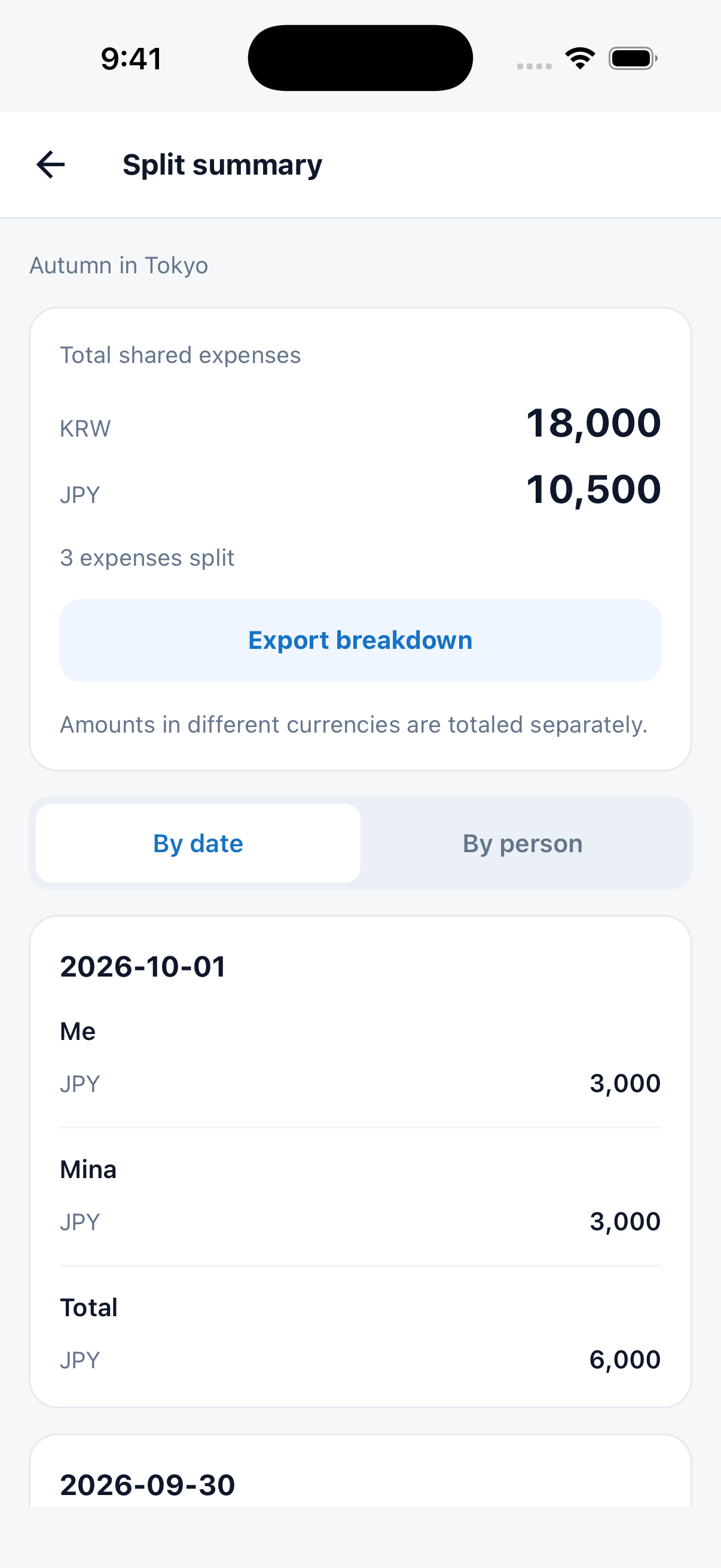
Create a trip with AI. Keep places and booking documents together.
Split shared expenses by person and share a clear settlement image.
TRIPOP 1.12
From saving your first must-see place to settling the last shared meal. Keep the details together in one trip.
01
Choose who joins each expense and split it equally or enter individual amounts. Review by day or person, then export one long image or share the details as text.
See how it works02
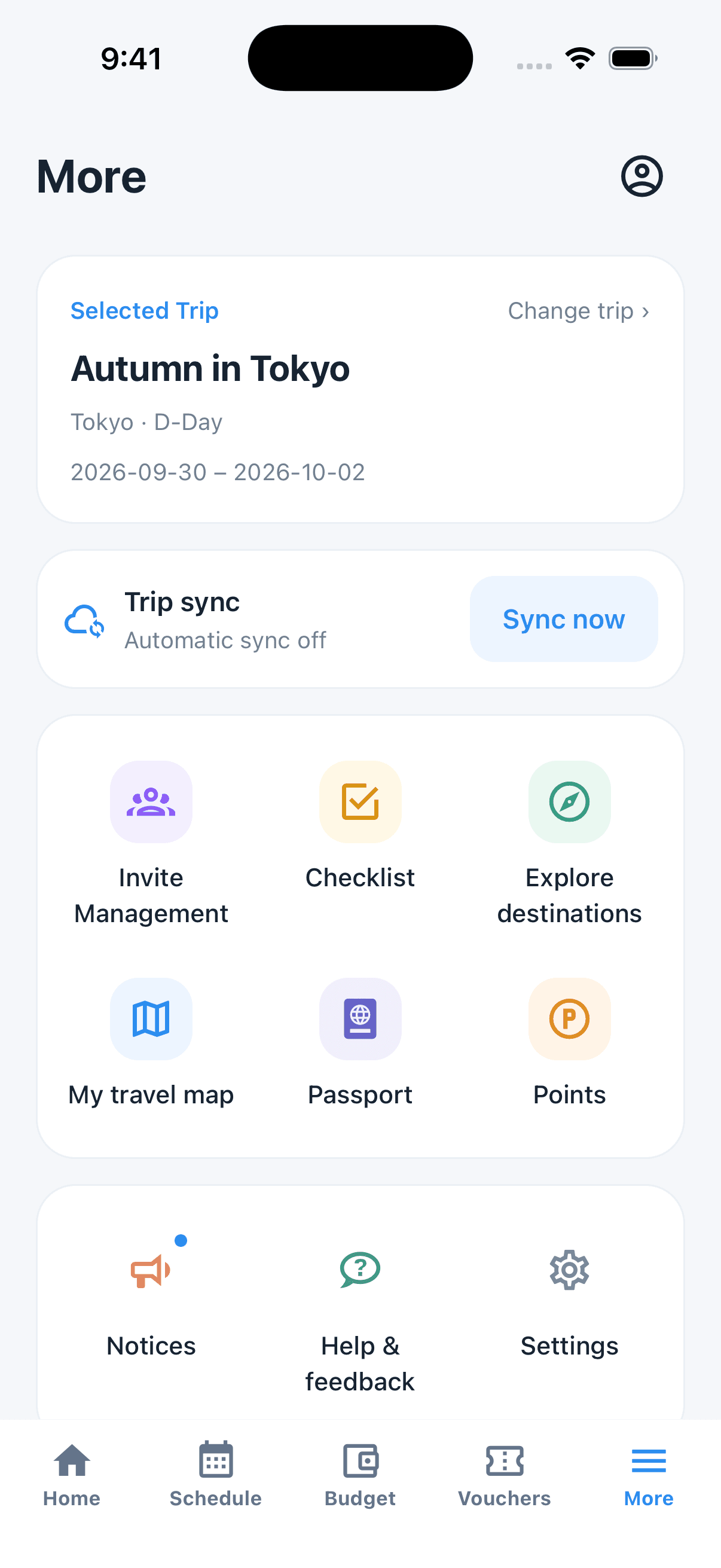
Keep places, notes and locations in your candidate list. Add them to a day when you are ready, then review your schedule and map.
See how it works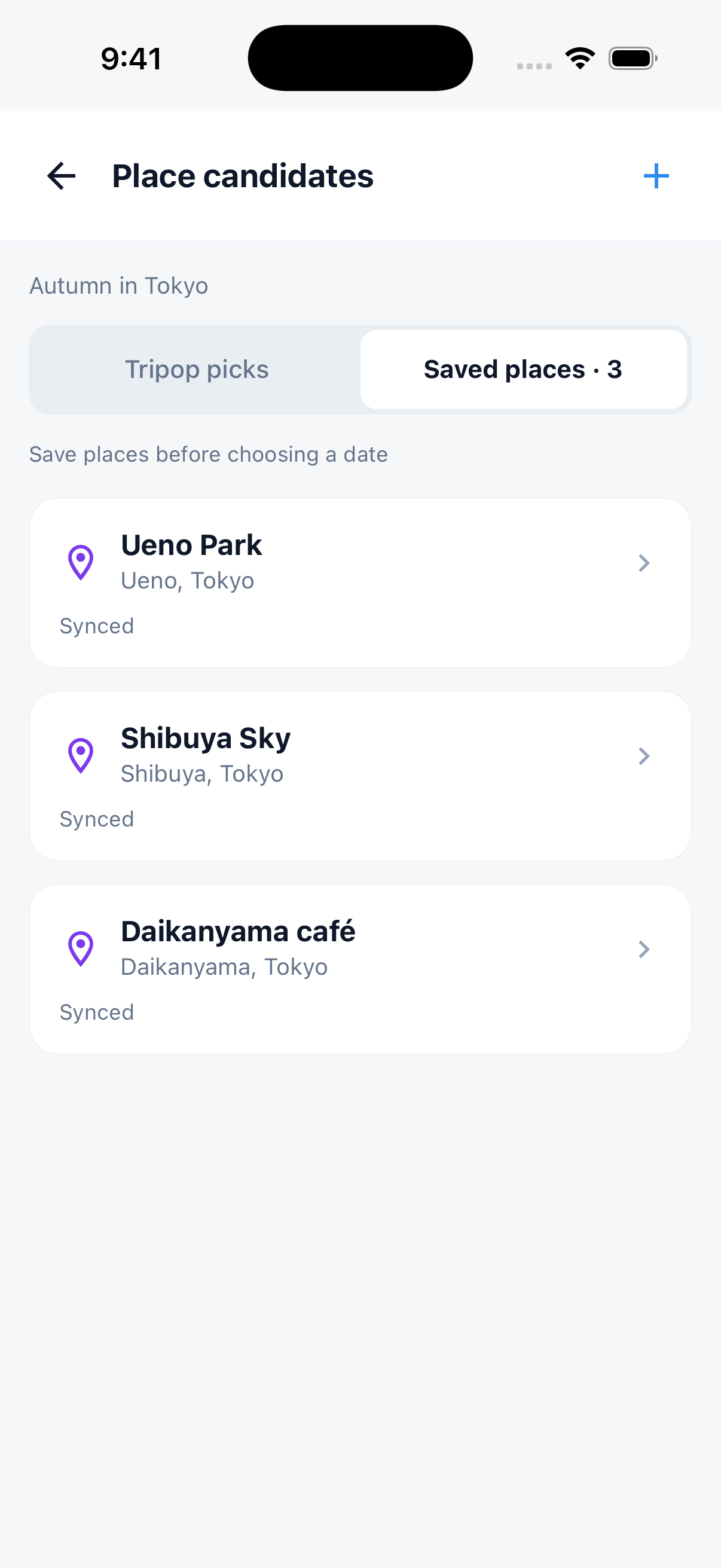
03
Find invitations, checklists, your travel map and passport by their icons. Sync stays near the top, with notices, feedback and settings together below.
See how it works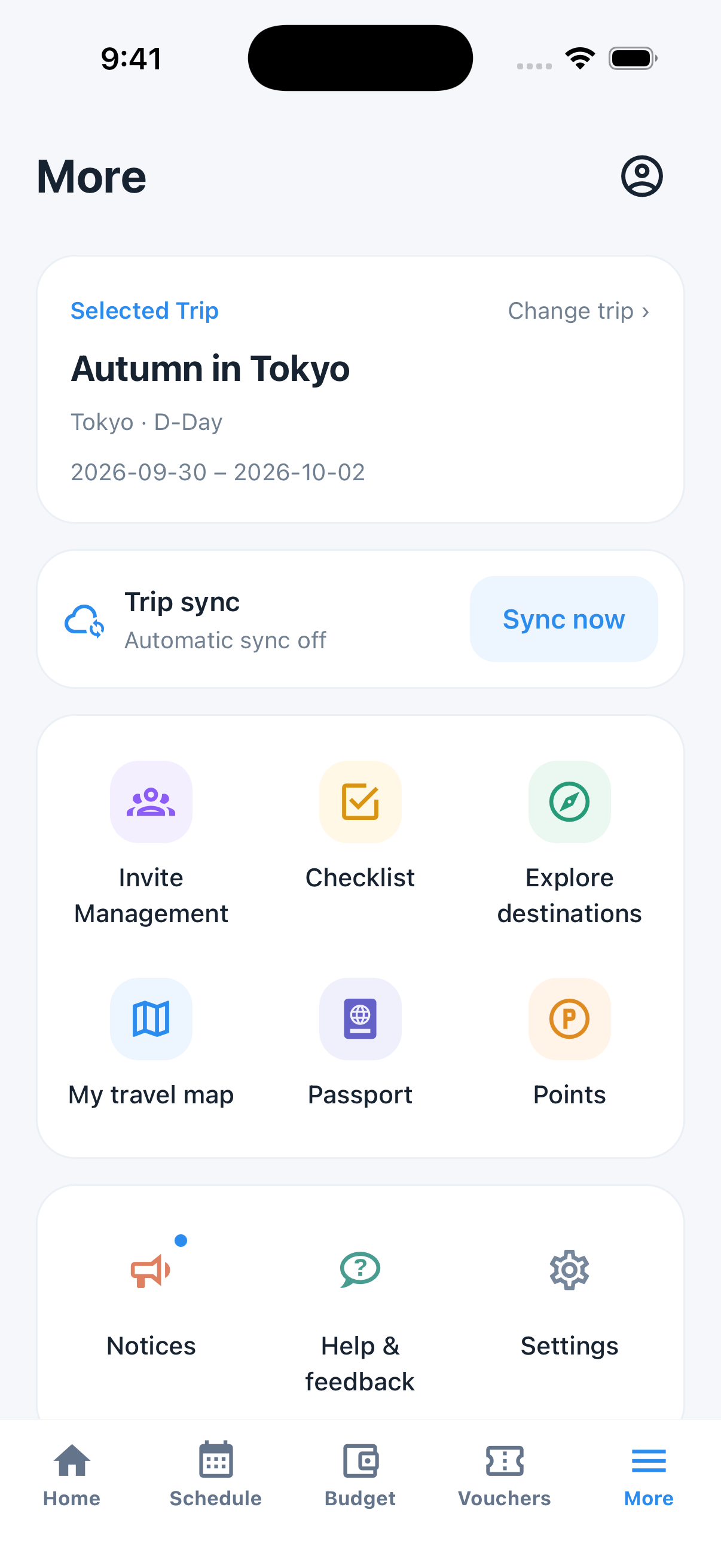
App 1.12 screens · Sample trip data
These new features are available in app version 1.12. Install that version from your store to use them.
See what is next today and open your map app or linked booking documents directly.
See how it worksTap Link schedule when adding a voucher, then choose an event grouped by date. Linking is optional; you can simply keep the file.
See how it worksCollect country stamps from past trips in your passport and revisit your destinations on your travel map.
See how it worksStart with a hotel budget, then explore a route and the places you want to visit.
Planning ranges based on published four-star prices. Booking rates, taxes and breakfast vary.
Hotel source checked: Booking.com · Price source
Full budget and assumptionsHotel source checked: Booking.com · Price source
Full budget and assumptionsHotel source checked: Booking.com · Price source
Full budget and assumptionsCheck each itinerary's dates and official sources for prices and visitor information.
Plan with AI, save places, link booking documents and split expenses by person. Keep your trip together and share settlement details as an image or text.
From sign-up to settlement, plan your entire trip in just 4 steps
Sign in with Google or Apple and create a new trip. AI automatically extracts your itinerary from PDFs or photos.
Adjust times, attach vouchers, and write checklists, all intuitively managed.
Read saved itineraries and downloaded vouchers offline in the app. AI questions need an internet connection.
Track expenses with automatic currency conversion. Invite companions as Editor or Viewer; their edits sync automatically.
App 1.12 screens · Sample trip data
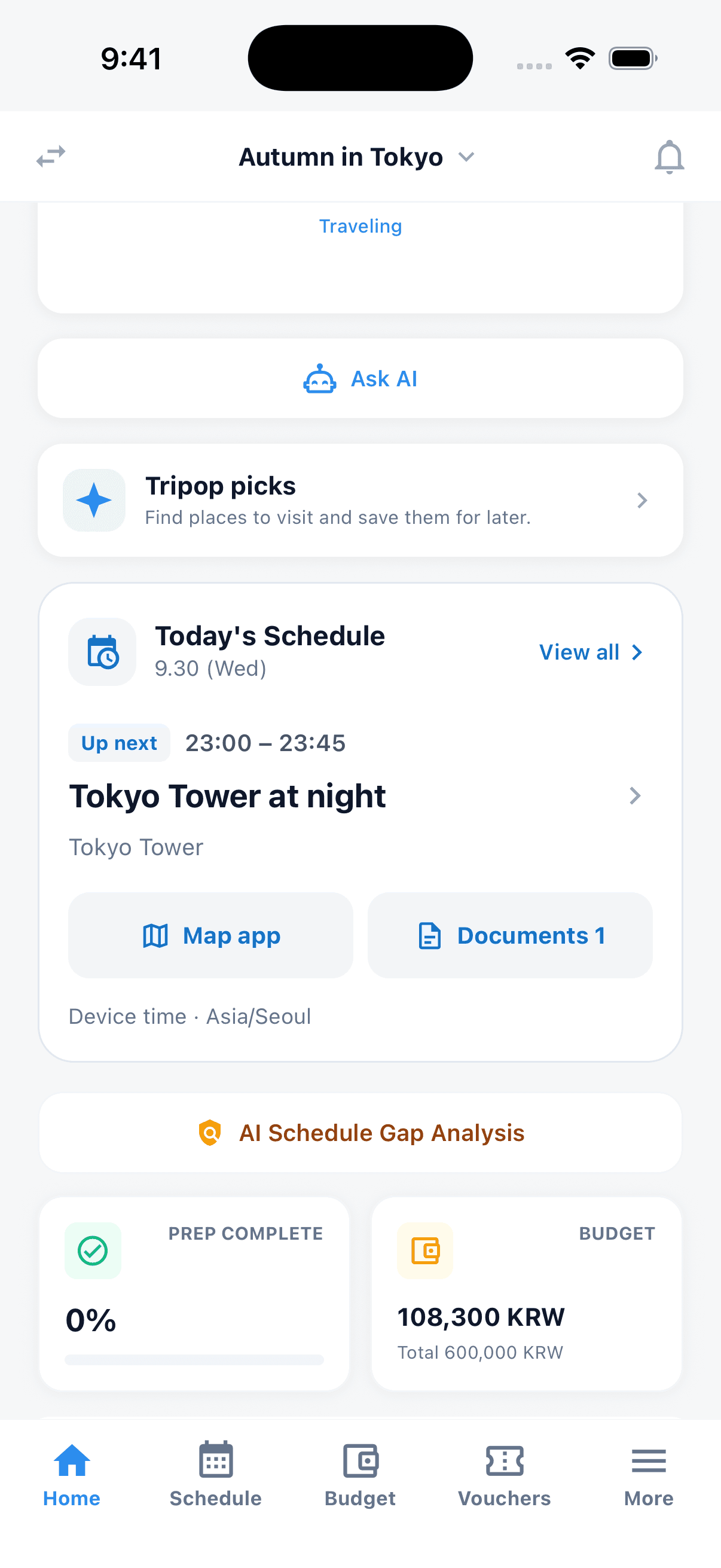
Home showing today's next event, map and booking shortcuts
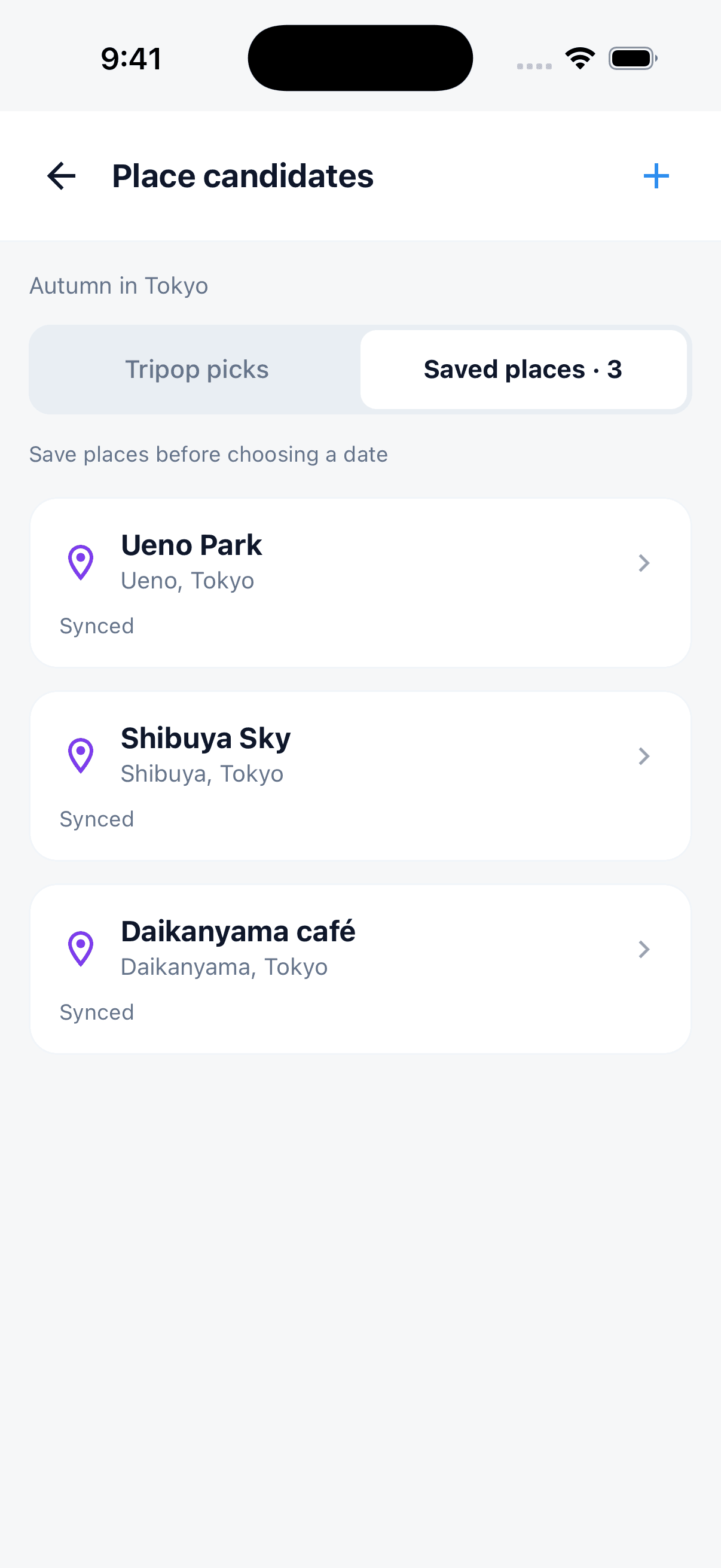
Saved place candidates with their locations
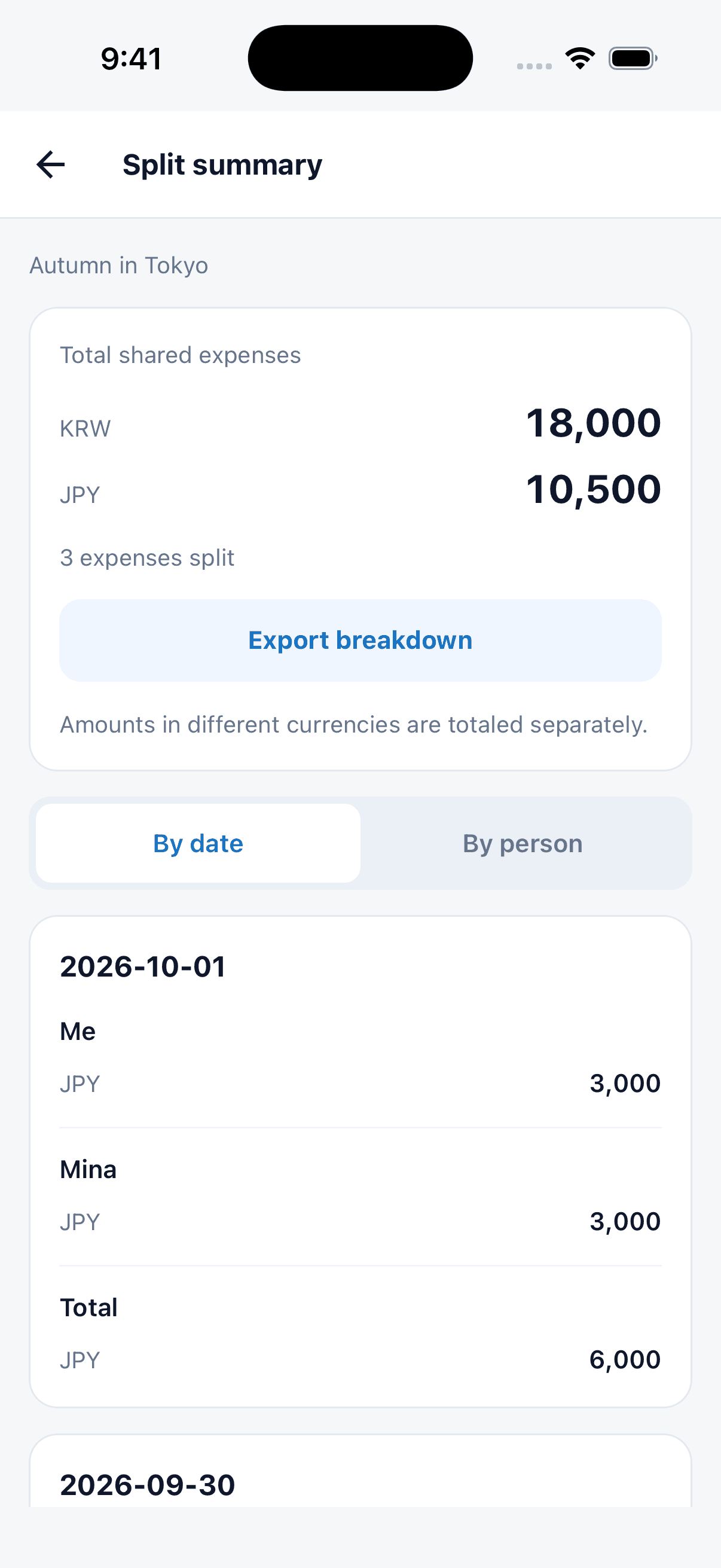
Settlement screen with separate currency totals and daily shares
More with the current trip, a sync card and colorful tool icons
Whether you're stuck on trip planning, curious about local restaurants, or want to adjust your schedule, our AI is here to help.

Yes, all you need is the email your companion uses for Tripop. Editors change the itinerary with you, Viewers follow along. Whatever anyone edits shows up in everyone's app automatically.
Enter the email your companion signed up to Tripop with and pick their role, Editor or Viewer. The invite appears under Received Invites in their app, where they accept it.
Editors adjust events, times, and order with you.
Every change appears on everyone's devices automatically.
We've gathered the most common questions about Tripop
After signing in, choose participants for each expense in Budget. Include or exclude yourself, split equally or enter individual amounts. Use Export details in Settlement to share an image or text. Different currencies are totaled separately. Money transfers happen separately in your preferred payment app.
Save places in the schedule's candidate list. Tap Add to schedule on a candidate and choose a day to place it in your itinerary.
Open More for notices and Feedback & help. Sign in to send a message of 5–500 characters. Feedback is limited to one submission per 60 seconds and five per day.
The useful features depend on your trip. Tripop combines AI itinerary drafts, a four-language UI, vouchers, and expenses. When comparing apps, check booking input methods, supported devices, and offline conditions.
Yes. Give Tripop one sentence, such as "Tokyo, 4 nights, family trip", and AI creates an itinerary draft. Booking PDFs and photos provide flight, hotel, and tour details to extract. Check dates, times, and booking numbers against the original, then check voucher links after saving.
Yes. Open AI Schedule Editor on the schedule screen and describe the change in one sentence, such as "the schedule is too tight, add 30-minute buffers" or "add shopping time on the last day", and AI edits just those parts. You can also adjust times and order by hand.
Yes. The AI assistant answers with your itinerary and bookings in context, so a question like "any good restaurants near my hotel?" gets an answer that fits your plan. Each event can also get AI travel tips covering nearby restaurants, transport, and weather.
Saved itineraries and checklists open offline in the iOS and Android apps. Finish downloading voucher PDFs and images on each device you will use, and test opening them before departure. Syncing alone does not finish file downloads. The web app, maps, AI, and exchange-rate updates need internet.
Tripop is an AI-powered travel planner app. It combines schedule management, checklists, expense tracking, and voucher storage in a single app, with AI that automatically extracts itineraries from PDFs and photos and recognizes receipts.
Yes, downloading and basic use are completely free. AI features use points, and you receive free points when you sign up. You can recharge points by watching ads or through in-app purchases.
Both iOS and Android are supported. Offline use is available, and data is automatically synced across devices via the cloud when online.
Korean, English, Japanese, and Simplified Chinese are all supported. You can change the language anytime in the app, and AI replies in your selected language.
You can sign in easily with your Google or Apple account. No separate sign-up process is required, you can start using the app right away.
All data is transmitted over encrypted connections (TLS) and stored encrypted on trusted cloud infrastructure. See our Privacy Policy for details.
Yes. When you invite a companion you choose their role — Editor or Viewer. Editors help build the itinerary, Viewers can look but not change it. Edits sync automatically.
Complex travel prep becomes simple when you have Tripop by your side